Your images, in rhythm
Bring your artwork or photography. Add a subtle bass-reactive zoom, then adjust position, scale and opacity.
 ORBIT STUDIO
Open editor
ORBIT STUDIO
Open editor
YOUR TRACK. YOUR UNIVERSE.
Turn your music into a video worth watching. Build audio-reactive visuals with your own images, spectrum styles and a little imagination.
No account. No media uploads. Start with a demo.
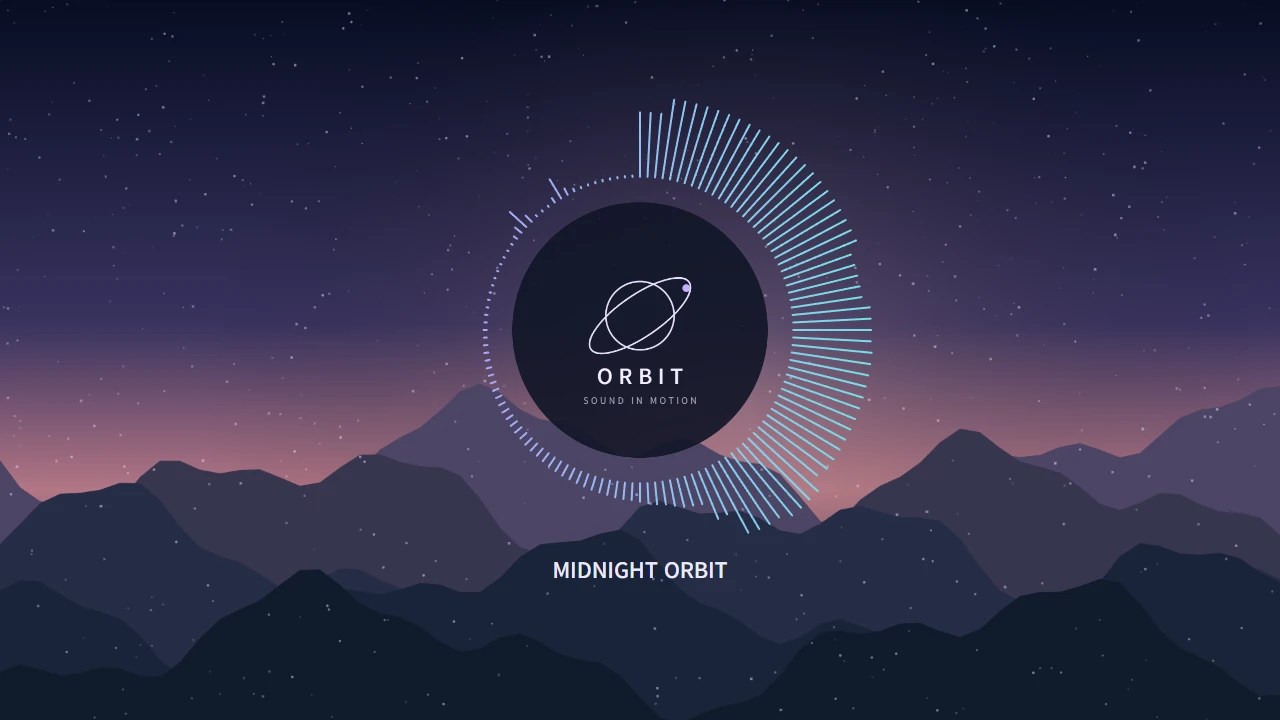
FIND YOUR FREQUENCY
From quiet rings to vivid bars, start with a preset and make it yours. Fine-tune colors, sensitivity and motion to suit the track.
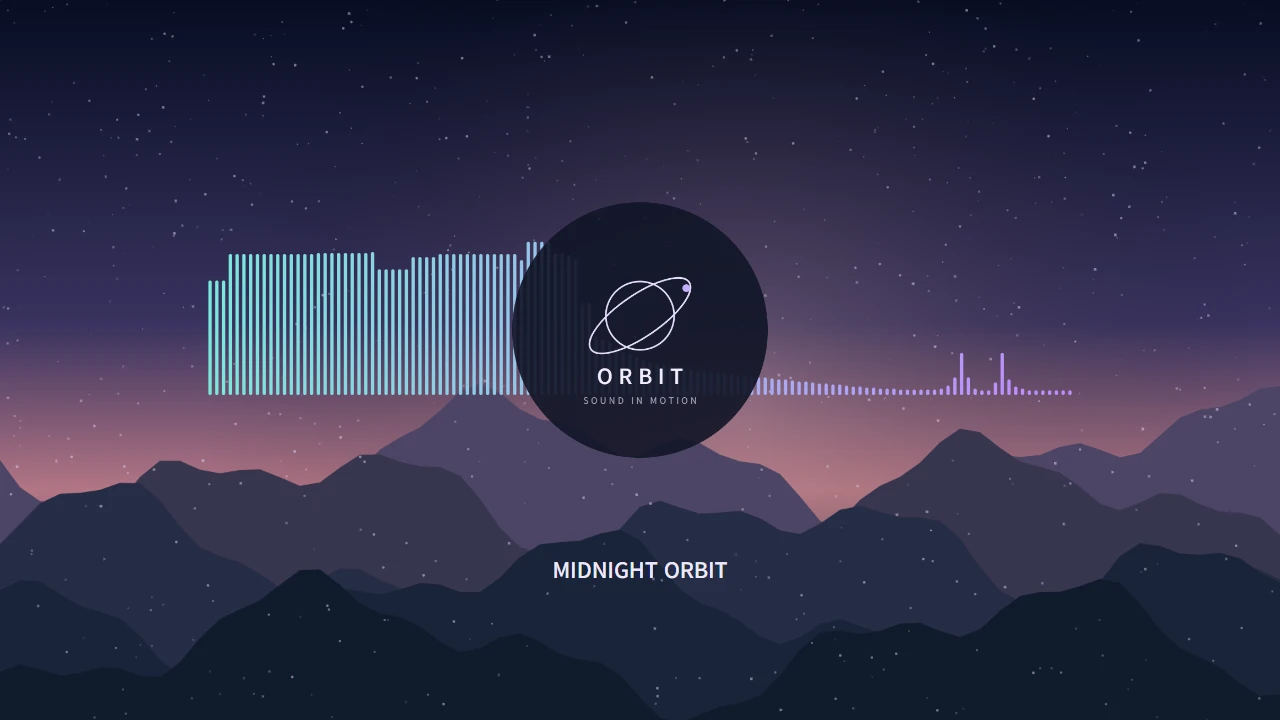
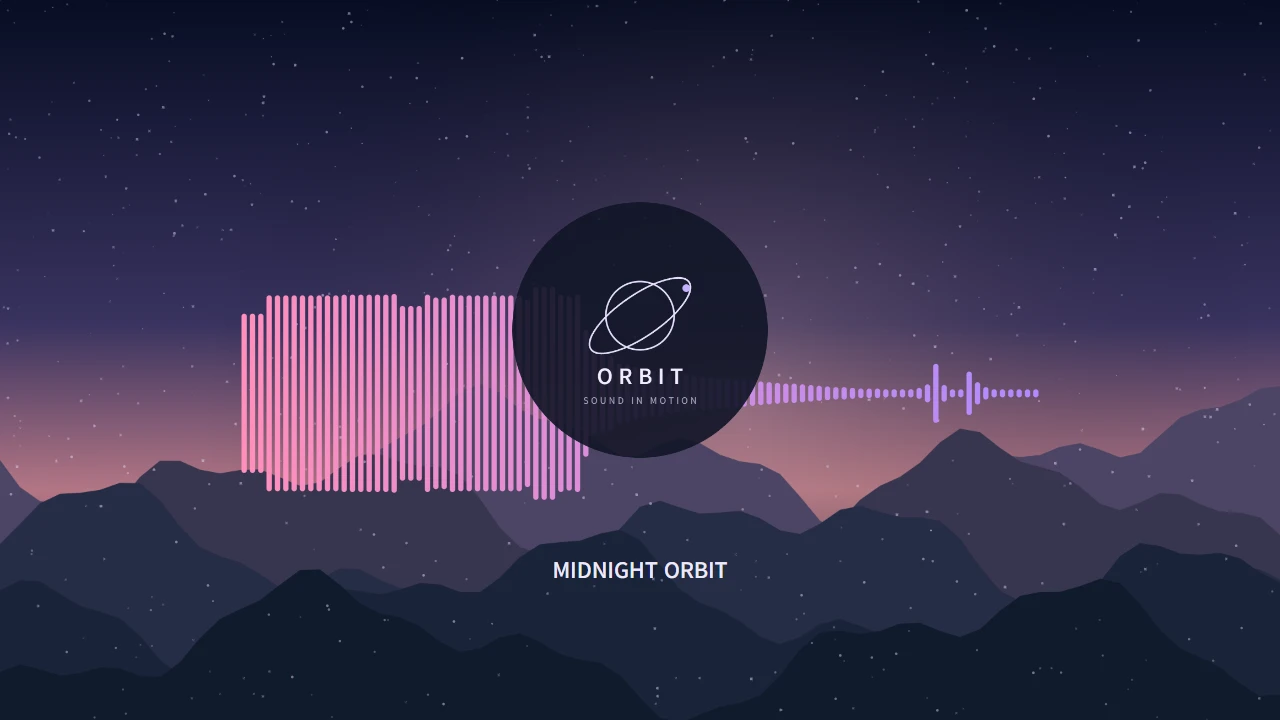
Original demo scenes rendered in ORBIT. Also includes curves, reactive rings and circular dots.
A SMALL STUDIO FOR BIG FEELINGS
More than a waveform. Give your music a visual identity, one layer at a time.
Build your first sceneBring your artwork or photography. Add a subtle bass-reactive zoom, then adjust position, scale and opacity.
Combine spectrum visualizers, images, text and particles. Reorder layers and control when each one appears on the timeline.
Export the full track in 720p or 1080p at 30fps. Choose MP4 or WebM from the formats your device supports.
Your audio and images are processed locally. Save a portable .mviz project, including its media, and return to it later.
FROM TRACK TO VIDEO
Choose an MP3 or WAV file, or explore the built-in demo. ORBIT analyzes the music in your browser.
Pick a spectrum style, add your artwork and title, then adjust the scene while listening.
Choose your video quality and export the full track. Keep a project file if you want to make changes later.
BEFORE YOU PRESS PLAY
No account or app installation is needed. Open the editor in a desktop browser and start with the demo or your own music.
No. Media analysis, editing and video rendering happen on your device. Autosave uses this browser’s local storage, so clearing browser data can remove your work. Download a .mviz project file to keep a separate backup.
Import MP3 or WAV audio up to 10 minutes and 100MB. Images can be PNG, JPEG or WebP, up to 50MB and 7680×4320 pixels. A project can contain up to 20 layers and 200MB of media in total.
The editor is designed for desktop Chrome and Edge, with a window at least 1000px wide. Automated testing is currently focused on Windows Chrome. Export formats depend on your browser, operating system and hardware. Mobile editing is not supported.
Export at 720p or 1080p, 30fps. MP4 uses H.264 and AAC; WebM uses VP9 or VP8 and Opus. ORBIT checks your device and shows supported formats before export. Larger videos may require direct file saving.
Yes. The same browser can recover its last autosaved project. For a durable backup or to move between devices, save a .mviz file and use File → Open project in the editor. Undo history is kept only for the current session.
YOUR NEXT SCENE STARTS HERE
Open on desktop. Make something that sounds like you.